Risk assessment software that keeps controls connected to the work.
Create structured assessments, record hazards and controls, schedule reviews and connect the resulting actions to equipment and maintenance history.
Identify hazards. Record controls. Verify them at review.
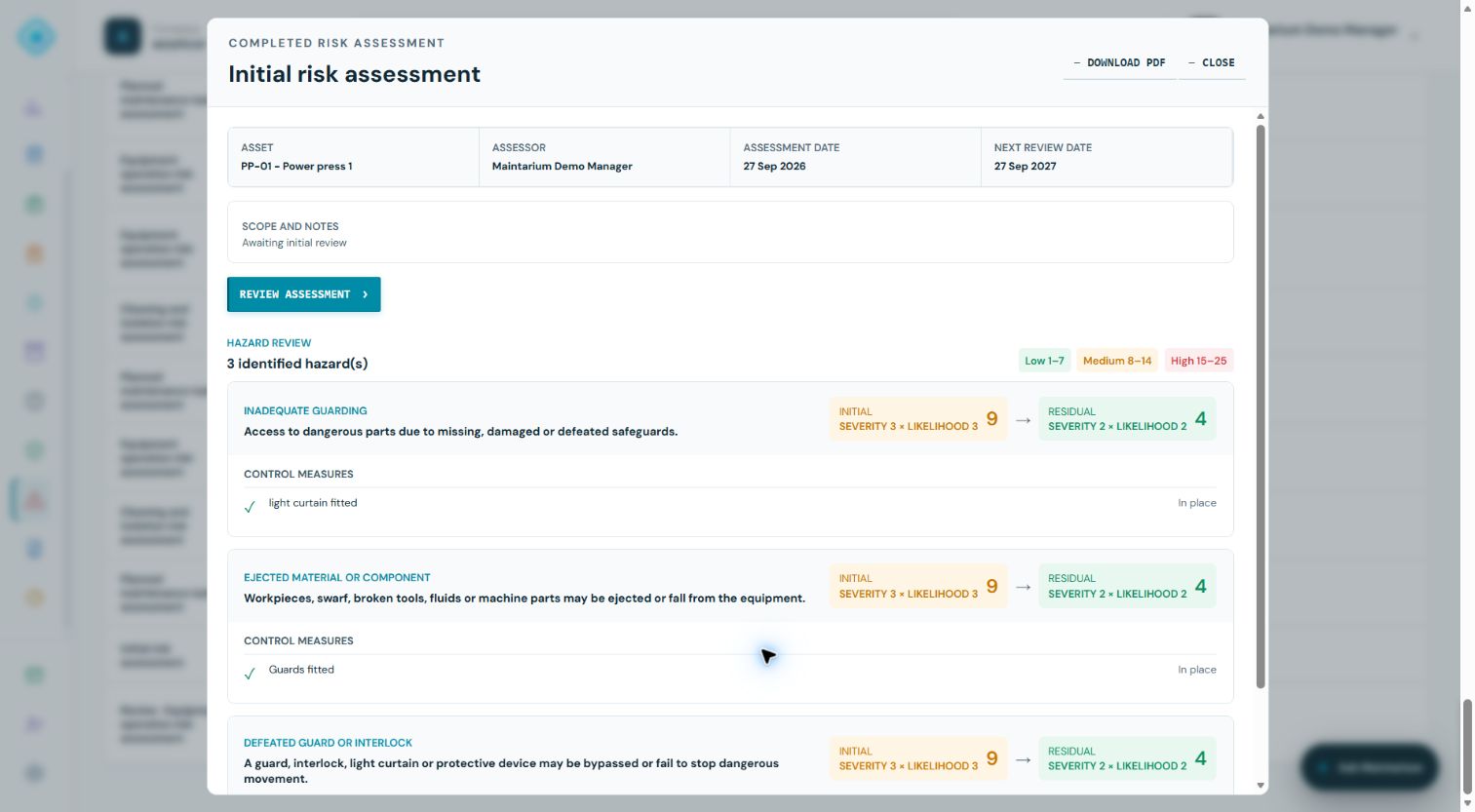
Link each assessment to equipment, score initial and residual risk, and add optional photographs of hazards and controls. Review the current assessment, confirm it remains suitable or revise it, then verify the controls with photographs and comments.
Sign up for free · 20 assets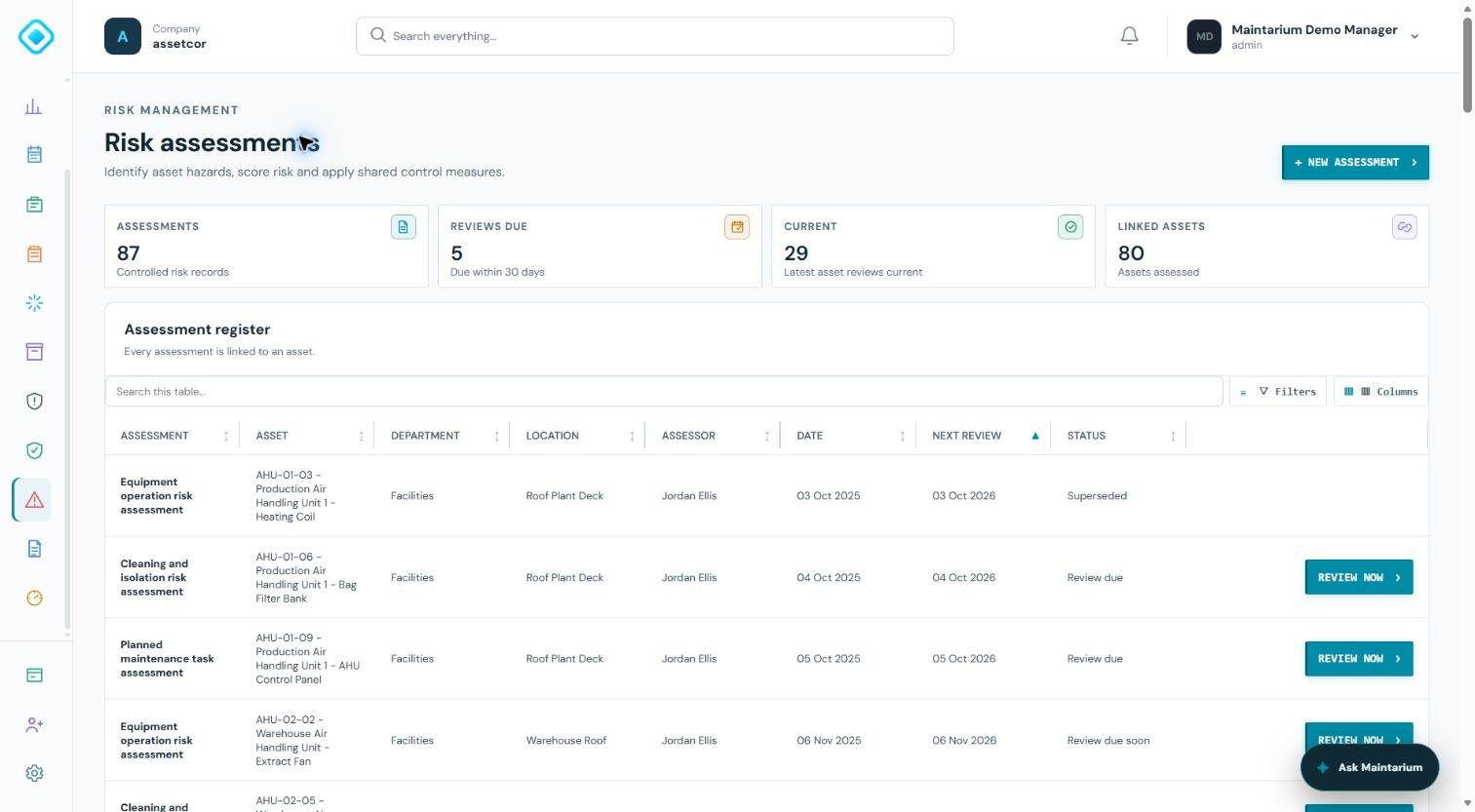
1. Assess the equipment
Describe hazards, identify who could be harmed and record suitable controls with optional photographs.
2. Review and verify
Confirm no changes or make revisions. Check that each control remains in place and suitable, with an image and comment.
3. Retain the current record
The latest review date appears in the updated PDF held with the asset's technical documents. Retrieve verification images and comments in the app.
Connect controls to planned maintenance · Explore the complete CMMS · Compare Free and paid plans
Risk assessment management software provides a controlled place to identify hazards, record who may be harmed, evaluate risk, assign controls, retain review history and make follow-up action visible.
What risk assessment software should control
A digital form is only the starting point. The system should preserve the assessment basis, hazards, affected people, existing controls, further actions, ownership and review status.
It should also show whether actions remain open and whether equipment or work changed after the assessment was approved.
- Hazard and consequence records
- Initial and residual risk
- Control ownership and status
- Review dates and revision history
Connect risk with maintenance
Maintenance can introduce non-routine hazards through isolation, access, stored energy and disturbed safeguards. Relevant controls need to reach the work order and the person doing the task.
When maintenance or inspection uncovers a new hazard, the route back to assessment and equipment status should be equally clear.
Choosing a system
Test how the software handles revisions, evidence, corrective actions and asset links. Check that it records who changed a decision and does not silently overwrite earlier approved information.
Software supports the process; competent people remain responsible for a suitable and sufficient assessment and effective controls.
Authoritative guidance
Use these primary sources alongside your organisation's competent technical and legal advice.
Risk assessment management software FAQs
What does risk assessment software do?
It structures hazards, people at risk, controls, risk evaluation, action ownership, reviews and retained evidence.
Can risk assessments be linked to assets?
Yes. Asset links help teams find the current assessment and understand which maintenance or inspection records support its controls.
Does software make an assessment compliant?
No. Compliance depends on the quality of the assessment, competent judgement, consultation and implementation of suitable controls.
Strengthen risk and inspection control
Connect inspections, risk and corrective work.
Maintarium Pro connects controlled inspections and risk records with equipment status and accountable action.
Create your workspace