Structured evidence
Keep the question, answer, comments and evidence that produced each finding.
Build reusable inspections, retain the answer and evidence behind each finding, route corrective work and require independent verification before closure.
Maintarium connects the inspection, risk, work order, verification evidence and current equipment status so responsible teams can see what remains outstanding.
Keep the question, answer, comments and evidence that produced each finding.
Set a non-compliant answer to create an action, require manager approval or stop work.
Route corrective work by discipline and reserve verification for authorised users.
Show when equipment is safe, restricted or awaiting corrective action.
Build controlled checklists and keep the completed evidence attached to the equipment lifecycle.
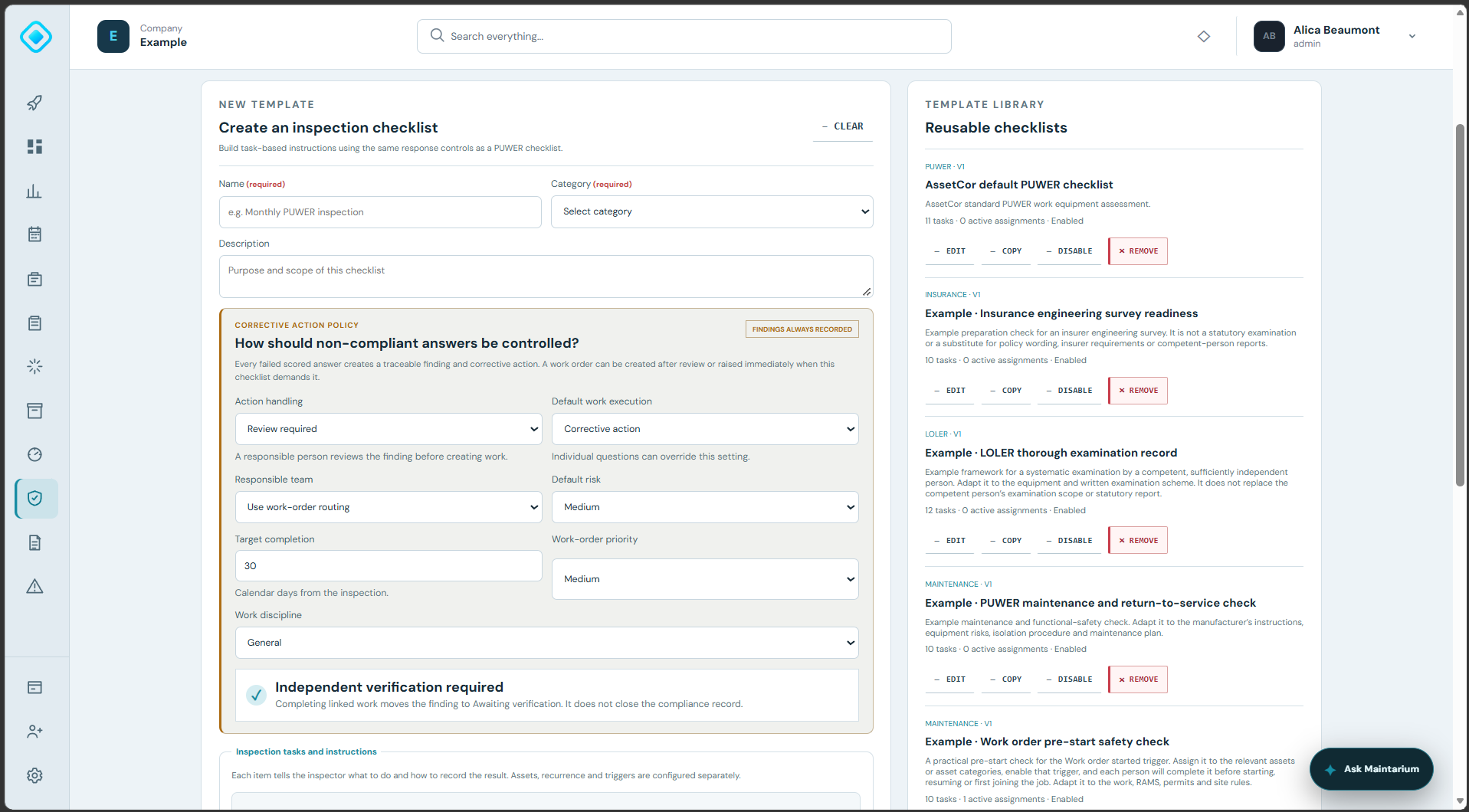
Set the default corrective-action policy and maintain a library of controlled checklists for different inspection purposes.
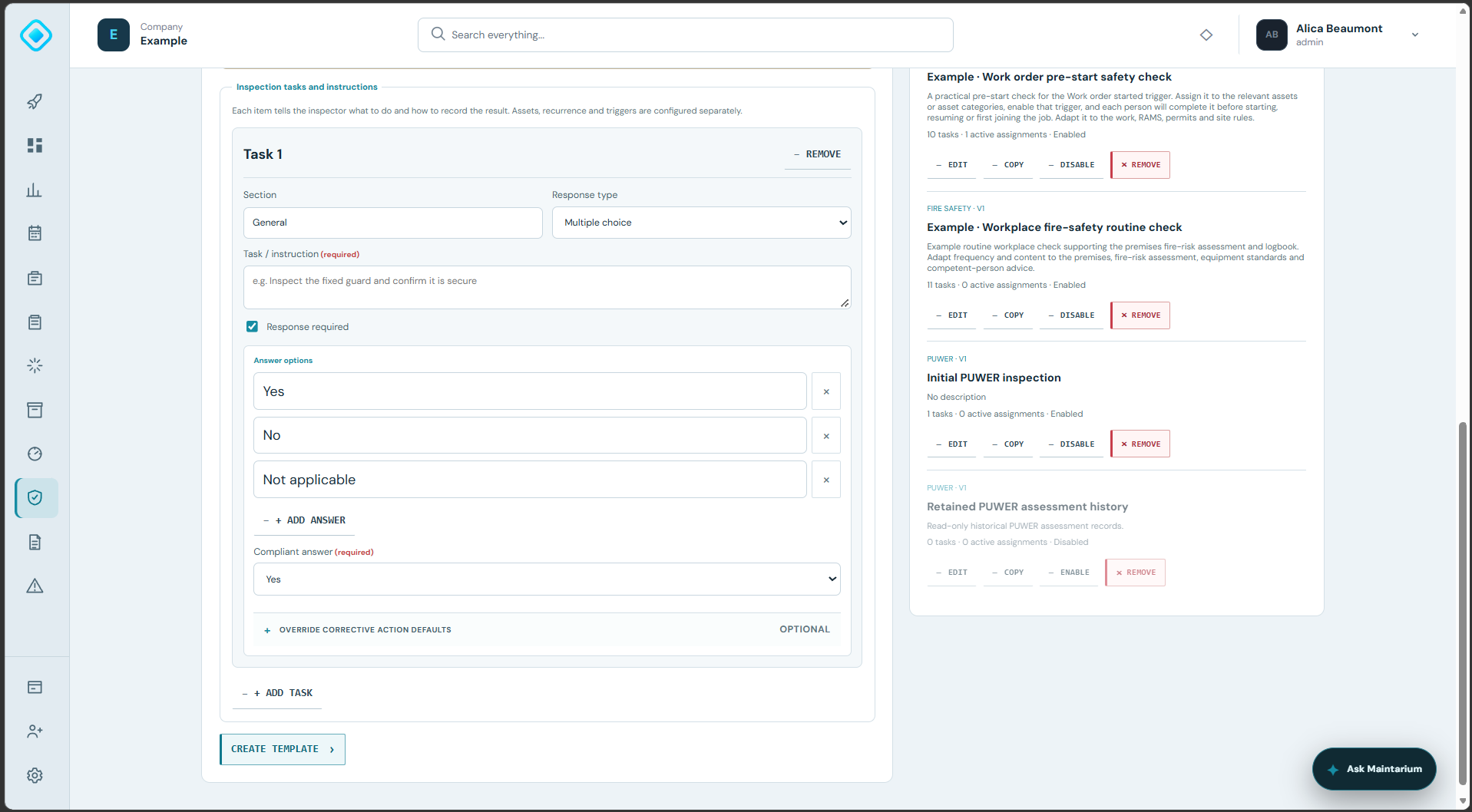
Choose the response type and compliant answer, then override risk, action handling or work-execution controls where the question demands it.
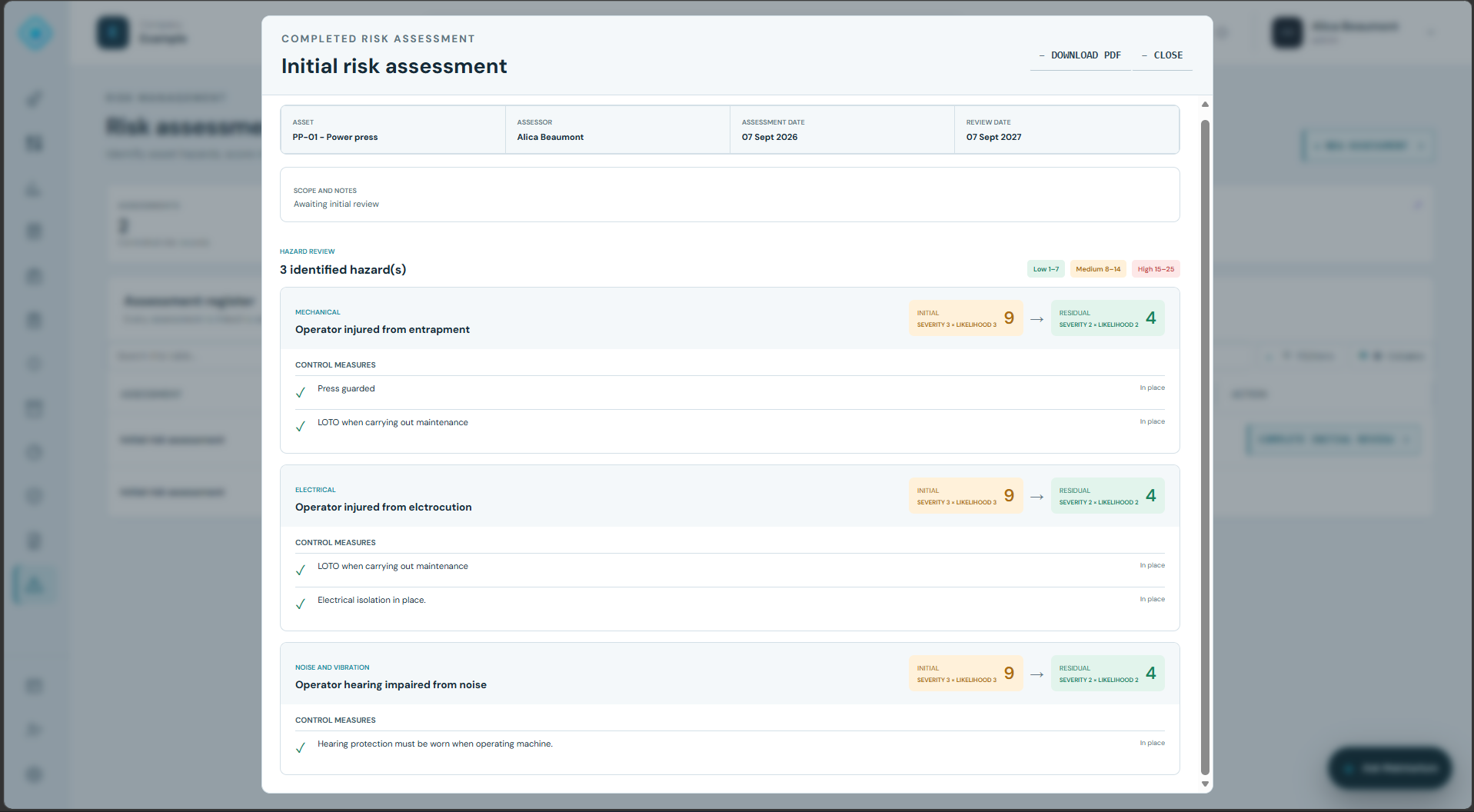
Present hazards, controls and initial-to-residual risk in a consistent record that can be reviewed or downloaded.
Each capability contributes to the same connected asset and compliance record.
Create, copy, disable and retain versioned checklists for PUWER, maintenance and other inspection categories.
Choose response types, compliant answers, risk, immediate controls and failure outcomes for each task.
Apply inspections to assets or categories and trigger them on schedules or before work begins.
Generate review actions or work orders and route them to the responsible team and discipline.
Retain independent verification and supporting evidence before the compliance record closes.
Record hazards, initial and residual risk, control measures and downloadable assessment evidence.
Create the checklist, compliant responses and failure behaviour.
Complete the applicable tasks and capture supporting evidence.
Route each finding to accountable corrective work.
Confirm the controls and release the equipment when every requirement is satisfied.
No. Completing linked work moves the finding toward verification; it does not erase or automatically close the compliance record.
Yes. A question can require manager approval or stop work. The inspection can still be submitted so the unsafe condition is retained as audit evidence.
Yes. Versioned templates can be assigned to individual assets or applicable asset categories and used with scheduled or event-based triggers.
Start free with 20 assets, 1 manager and 5 operational users. No expiry and no card required.
Create your workspace